System Settings SMTP Settings
Welcome to Citicon Payroll and Accounting Systems Configuration for SMTP Settings. This section allows you to set up and manage the email delivery system, enabling secure and reliable sending of system-generated communications across all modules.
Key Purposes
- Enable Automated Email Notifications: Set up the system to automatically send important updates, reports, and alerts to users without manual intervention.
- Ensure Secure Email Transmission: Configure encryption protocols such as SSL/TLS to safeguard the security and integrity of all outgoing messages.
- Customize Sender Identity: Define sender names and email addresses to project a professional image and enhance the credibility of outgoing communications.
- Support System-Wide Communications: Enable centralized email handling for Payroll, HR, Sales, and other operational modules to streamline internal and external messaging.
- Improve System Reliability: Reduce the chances of email failures by correctly setting up the SMTP server details, ensuring uninterrupted communication flow.
Index Page
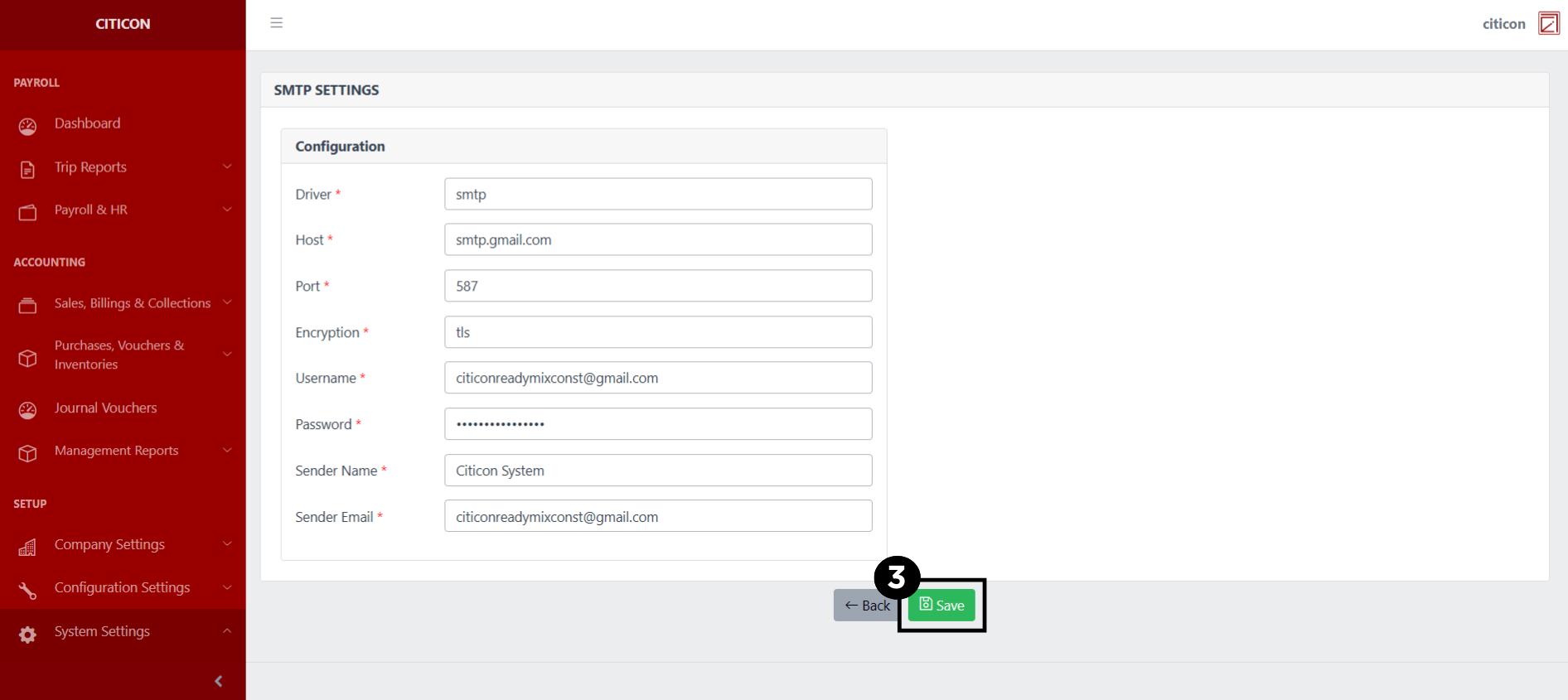
To access the SMTP Settings Settings. Go to Setup, select System Settings, then select SMTP Settings.
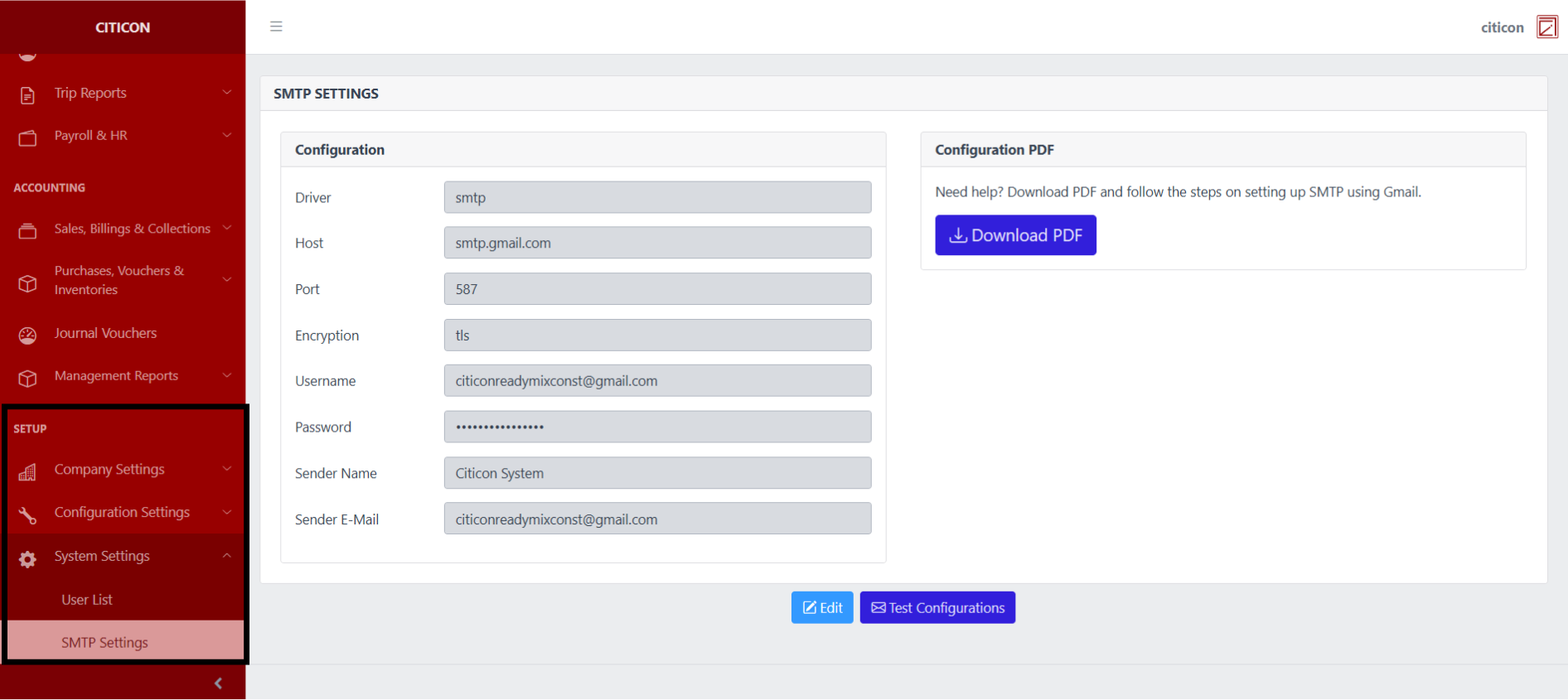
a. You can view the SMTP details of the system here..
b. Select the Download PDF button to view the guide on setting up the SMTP of the system.
c. Select the respective button to either edit the system's SMTP details, or send a Test Configurations email to verify the SMTP function of the system.
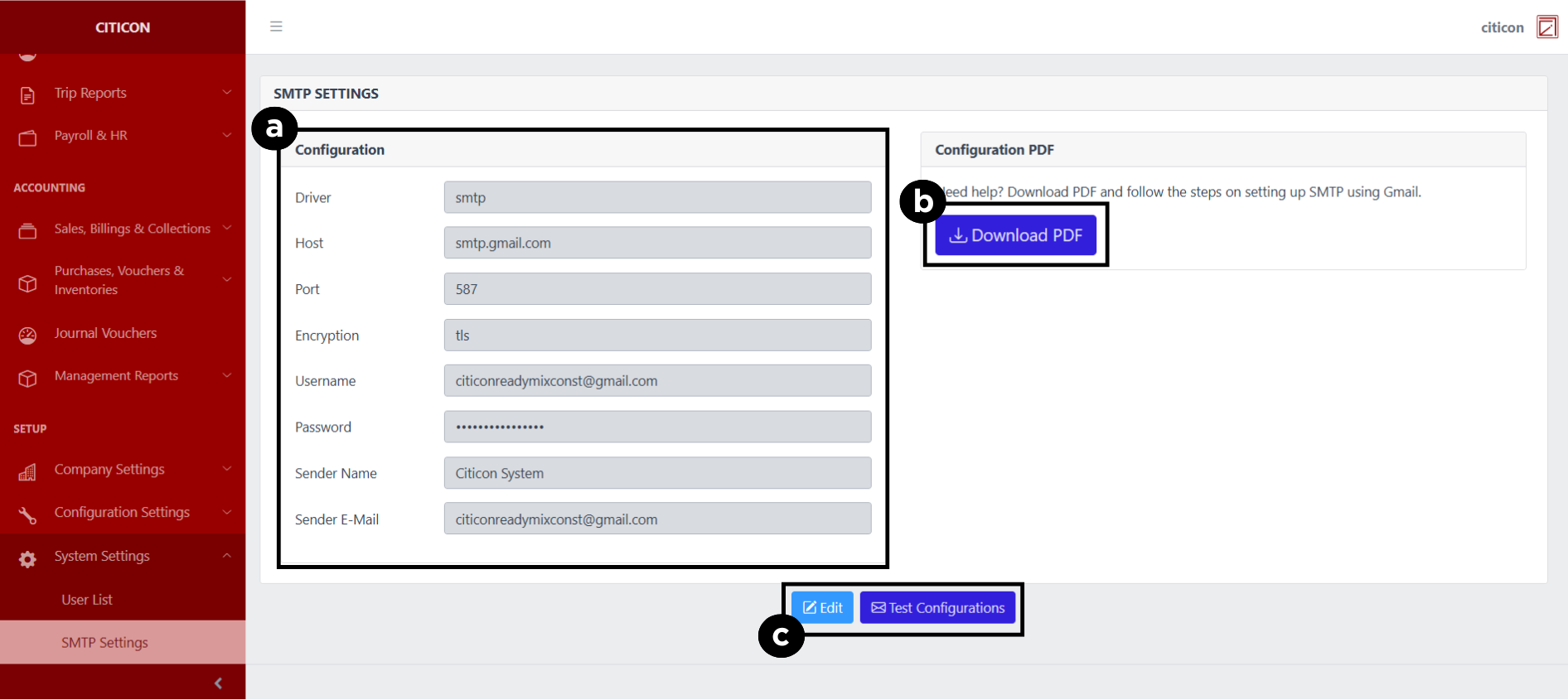
Update Data
- Select the Edit button to edit the SMTP details of the system.
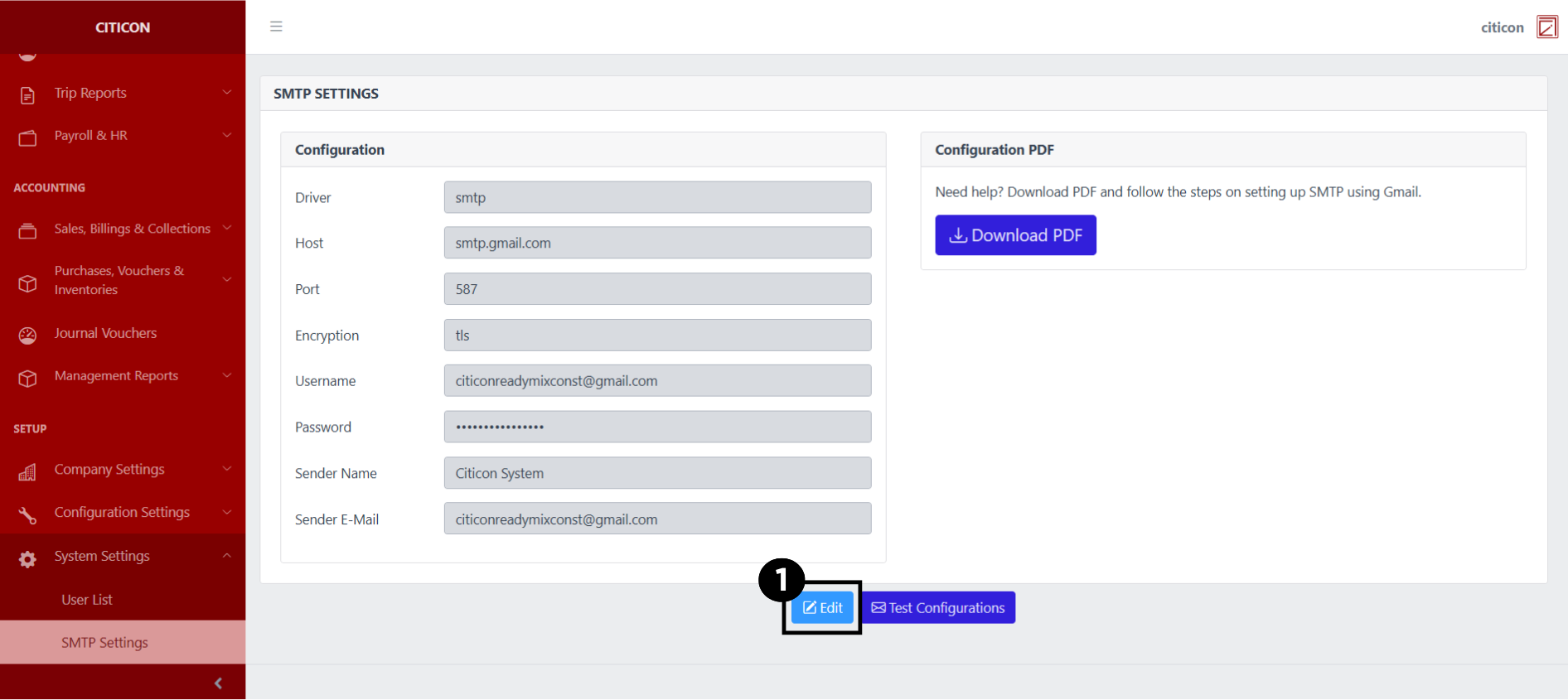
- Select a detail section which you want to edit, and enter the necessary changes.
All fields with an asterisk (*) are required to be filled up.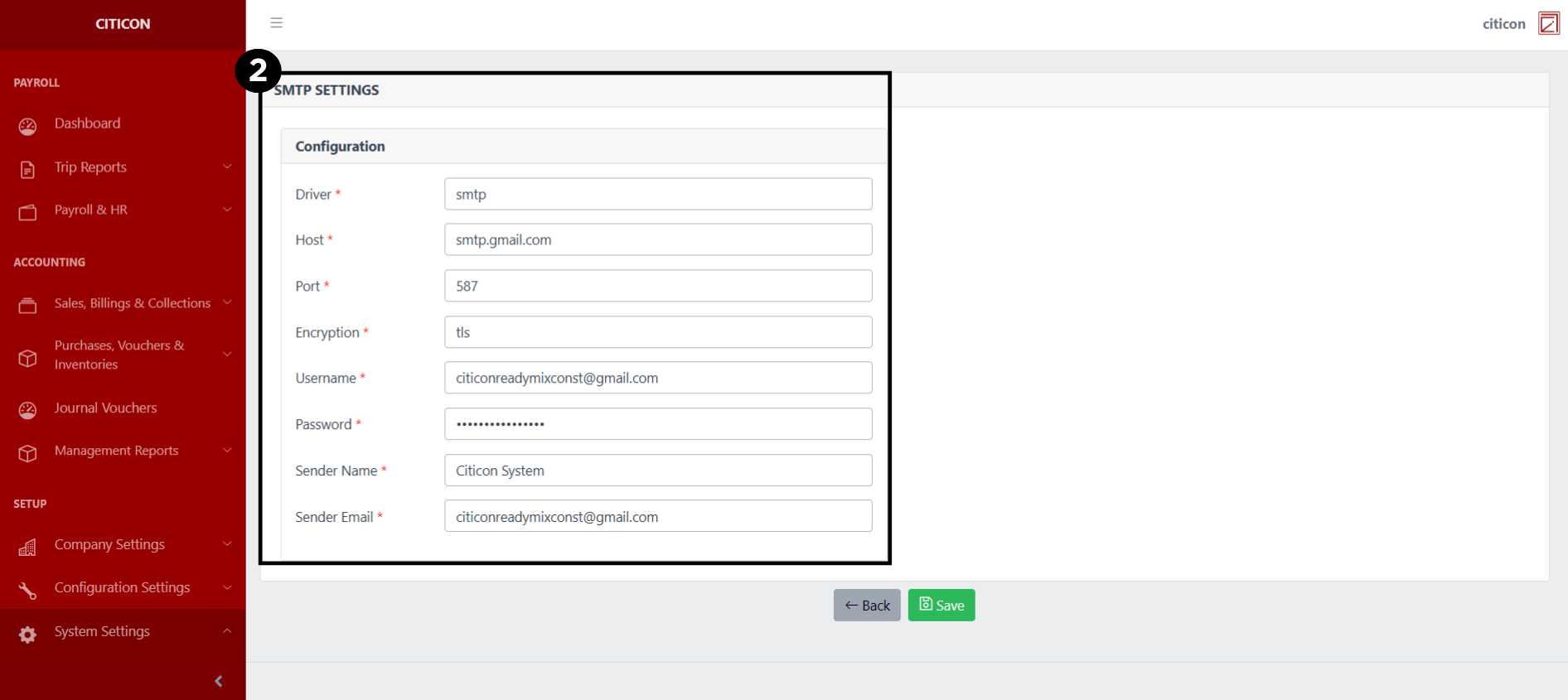
- Select the Save button to save the changes you have made.