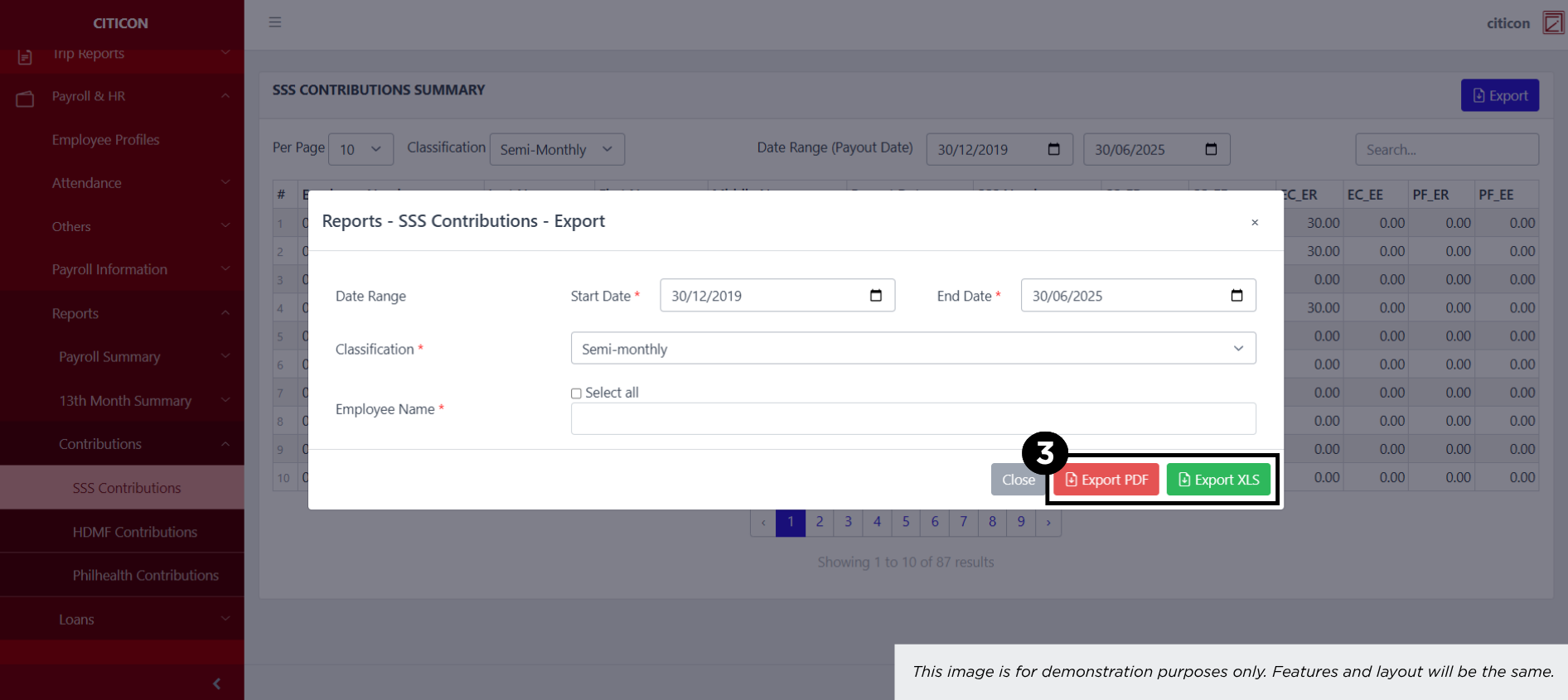
Contributions - HDMF Contributions
Welcome to Citicon Payroll and Accounting Systems – HDMF Contributions Summary Report. This module provides a structured view of Home Development Mutual Fund (HDMF) contributions, detailing both employer and employee shares for each payroll cycle.
Key Purposes
- Organized Contribution Tracking: Record and view HDMF contributions per employee, including both employer (ER) and employee (EE) shares.
- Compliance Monitoring: Ensure accurate and timely documentation of Pag-IBIG contributions to meet government compliance standards.
- Payout-Aligned Reporting: Match contributions with corresponding payout dates for better reconciliation and reporting accuracy.
- Employee Transparency: Maintain detailed contribution histories accessible for verification and audit purposes.
- Exportable Formats: Generate reports and export them in PDF or XLS format for official use, audits, and records management.
HDMF Contributions Module User-Manual
This section provides details, and set-by-step instructions to view, and access the HDMF Contributions entries stored in the system.
Index Page
How to find the page: Go to Payroll, select Payroll & HR, select Reports, select Contributions then select HDMF Contributions.
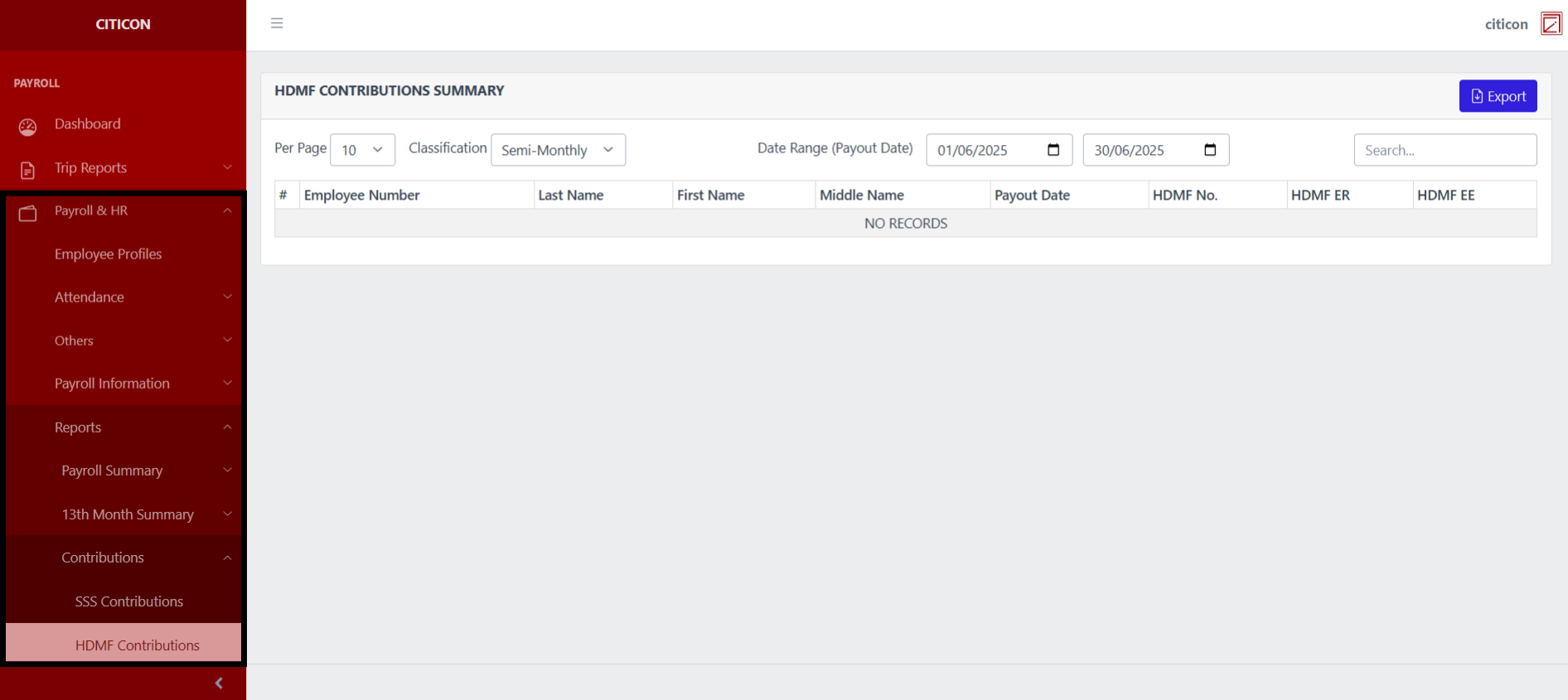
a. Adjust the items per page, and classification here.
b. Adjust the date range of the entries to be shown here.
c. Select this button to Export entries.
d. Search for specific entry details using the search bar.
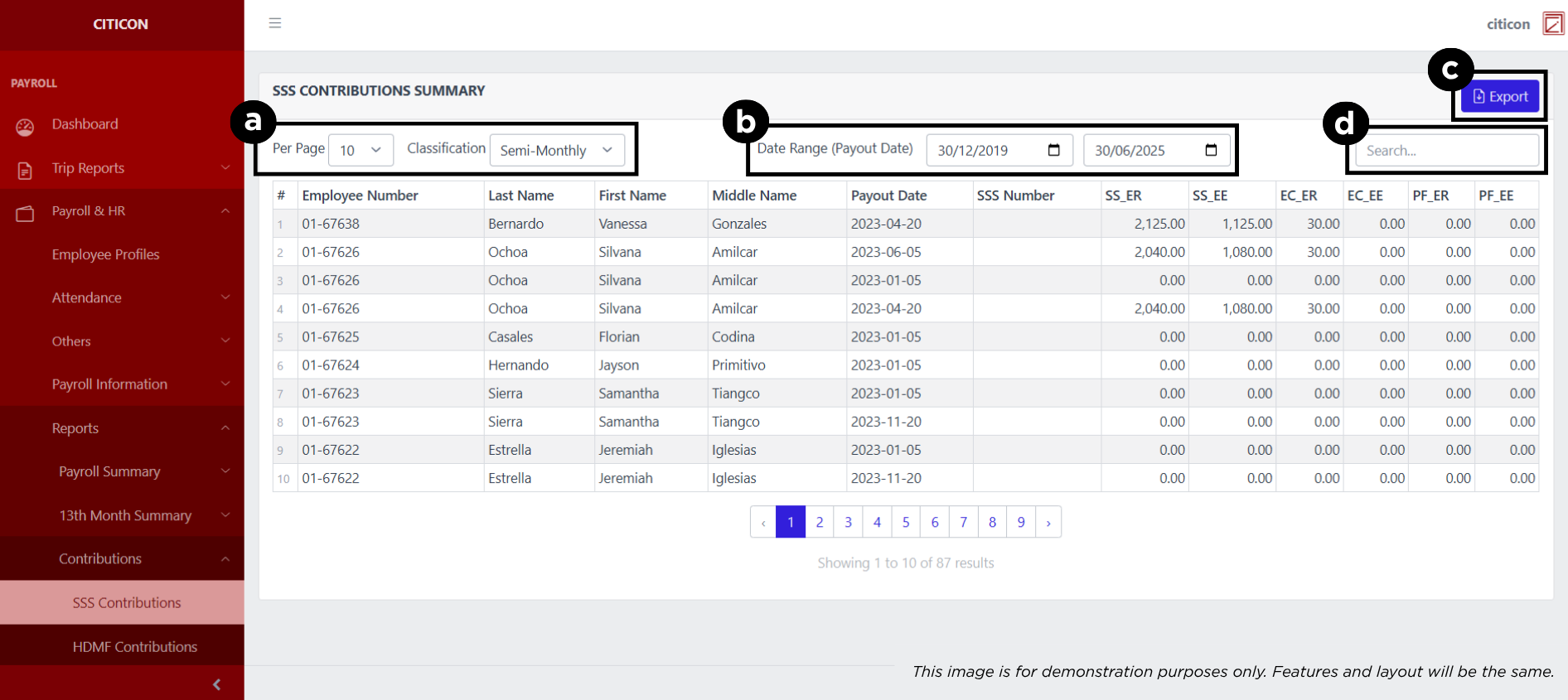
Export Entries
- Select the Export button.
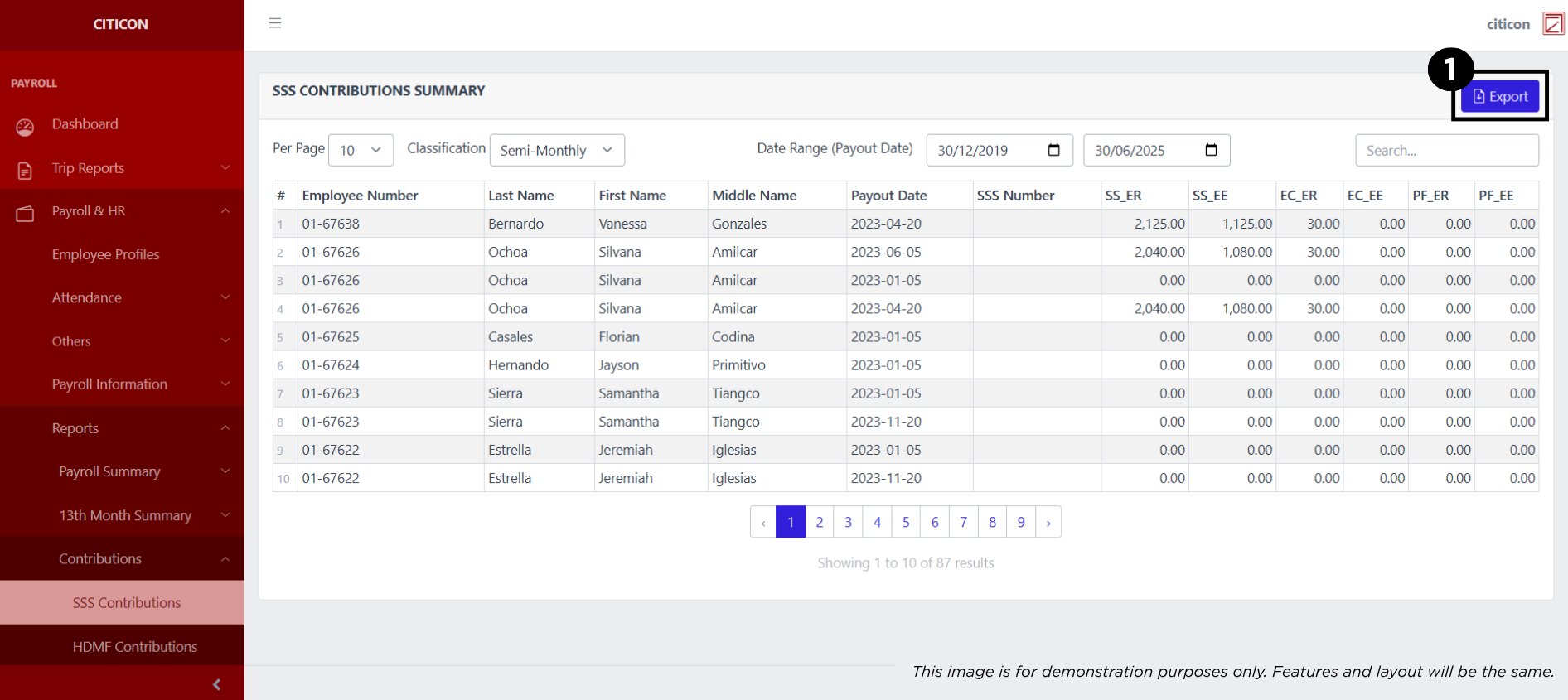
- Input the necessary details regarding the entries you would like to export.
All fields that has an asterisk (*) are required to have an input.
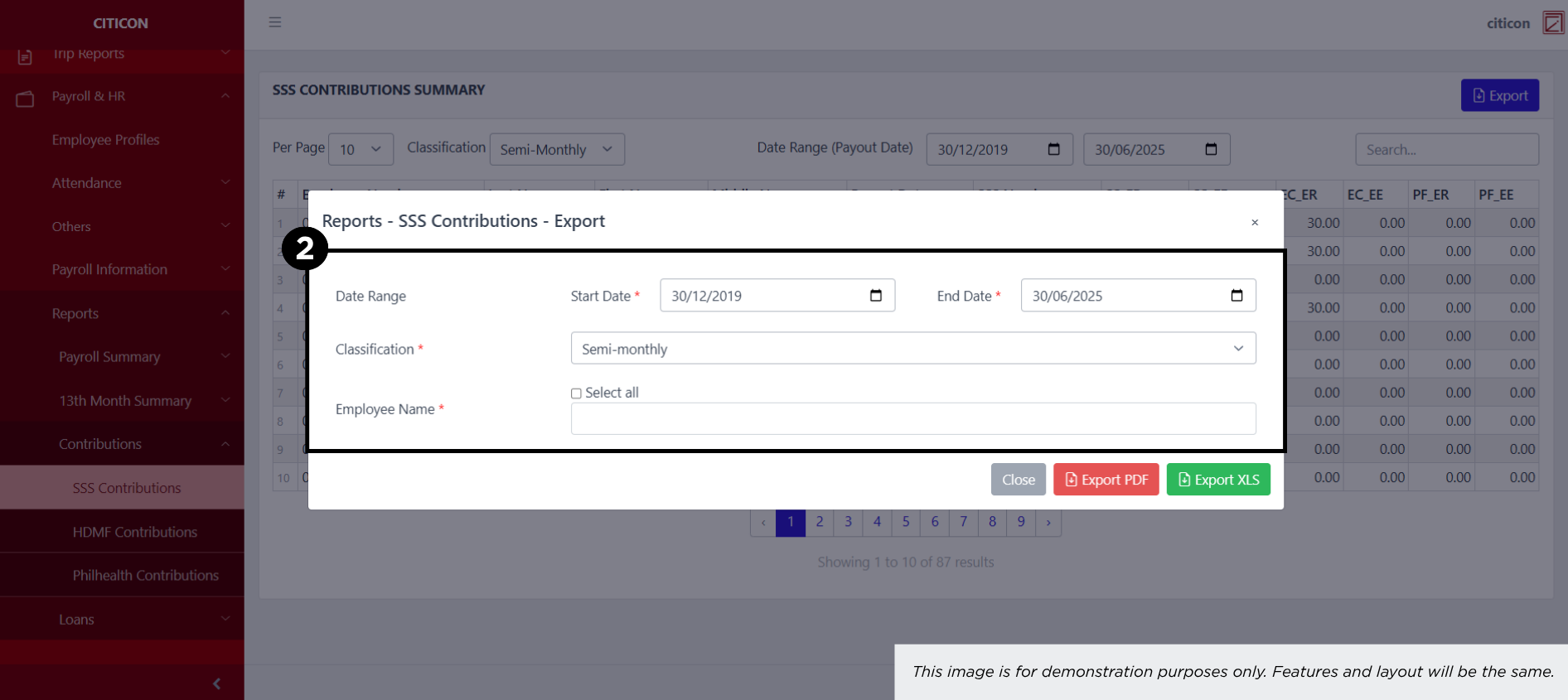
- Select the respective button to either Export the data as PDF or XLS.