Trip Reports - Dump Truck Configuration
Welcome to Citicon Payroll and Accounting Systems Configuration for Trip Reports – Dump Truck. This module is designed to set up and manage trip-based payroll computation details for dump truck operations, allowing for precision in rate assignment based on routes, distance, and job roles.
Key Purposes
-
Branch and Quarry Tracking: Define the operational route by setting the associated branch and quarry for each trip.
-
Distance-Based Rate Application: Configure whether the trip rate is dependent on travel distance, enabling location-sensitive payroll.
-
Role-Specific Rate Management: Assign and customize separate trip rates for drivers and helpers to reflect their contributions.
-
Particulars and Special Conditions: Add unique trip scenarios or job details under 'Particulars' with corresponding rates.
-
Optimized Payroll Accuracy: Ensure accurate and fair computation of trip-based earnings aligned with company policies and operations.
Trip Reports - Dump Truck Module User-Manual
This section provides details, and set-by-step instructions to access, view, and update the Trip Reports - Dump Truck data stored in the system.
Index Page
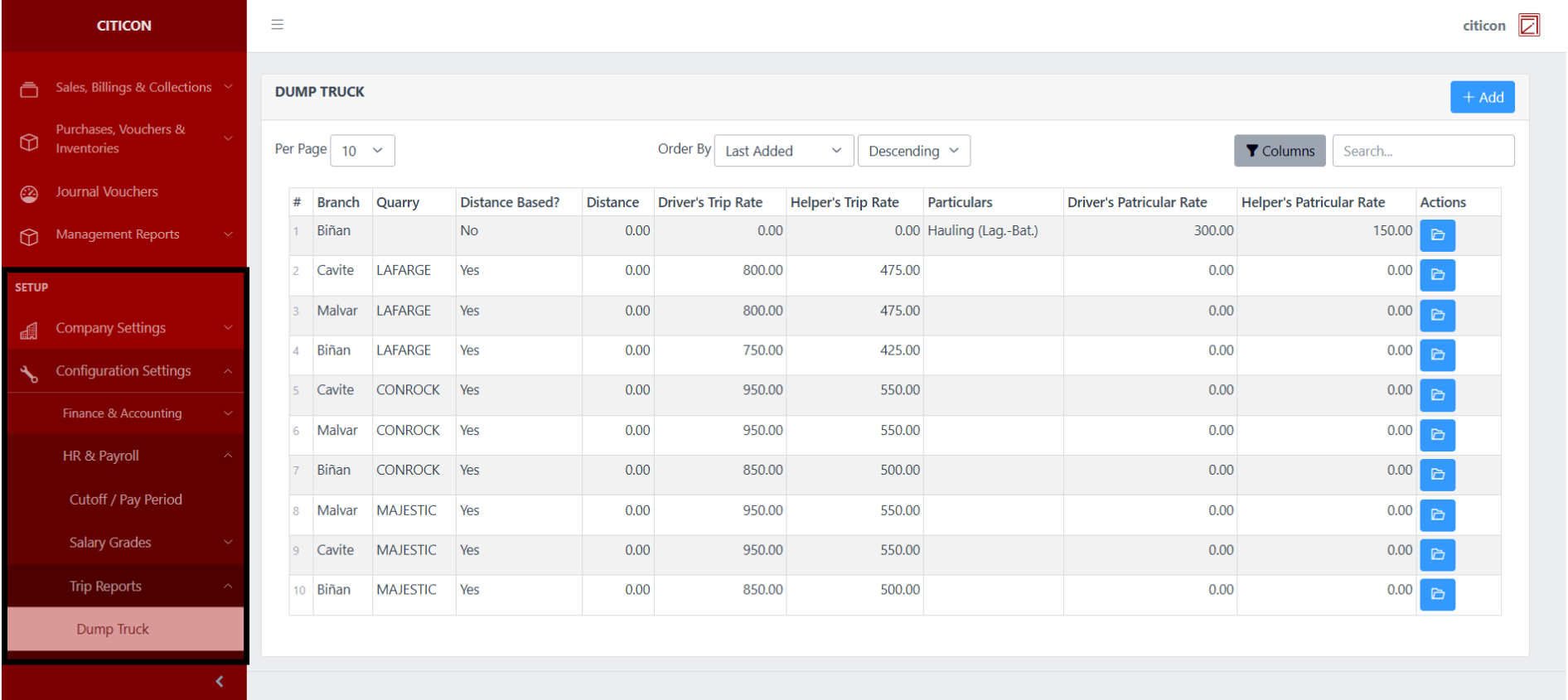
To access the Trip Reports - Dump Truck Configuration. Go to Setup, select Configuration Settings, select HR & Payroll, select Trip Reports, then select Dump Truck.
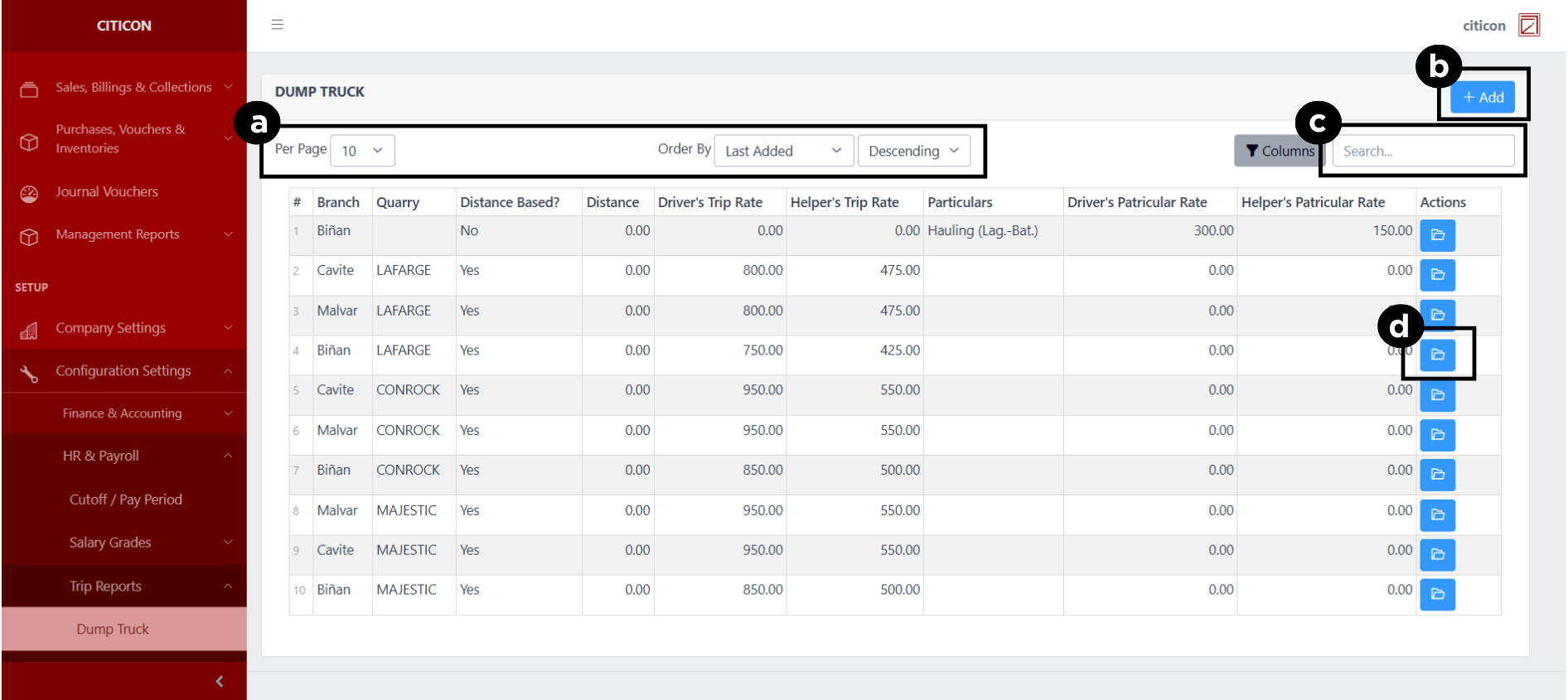
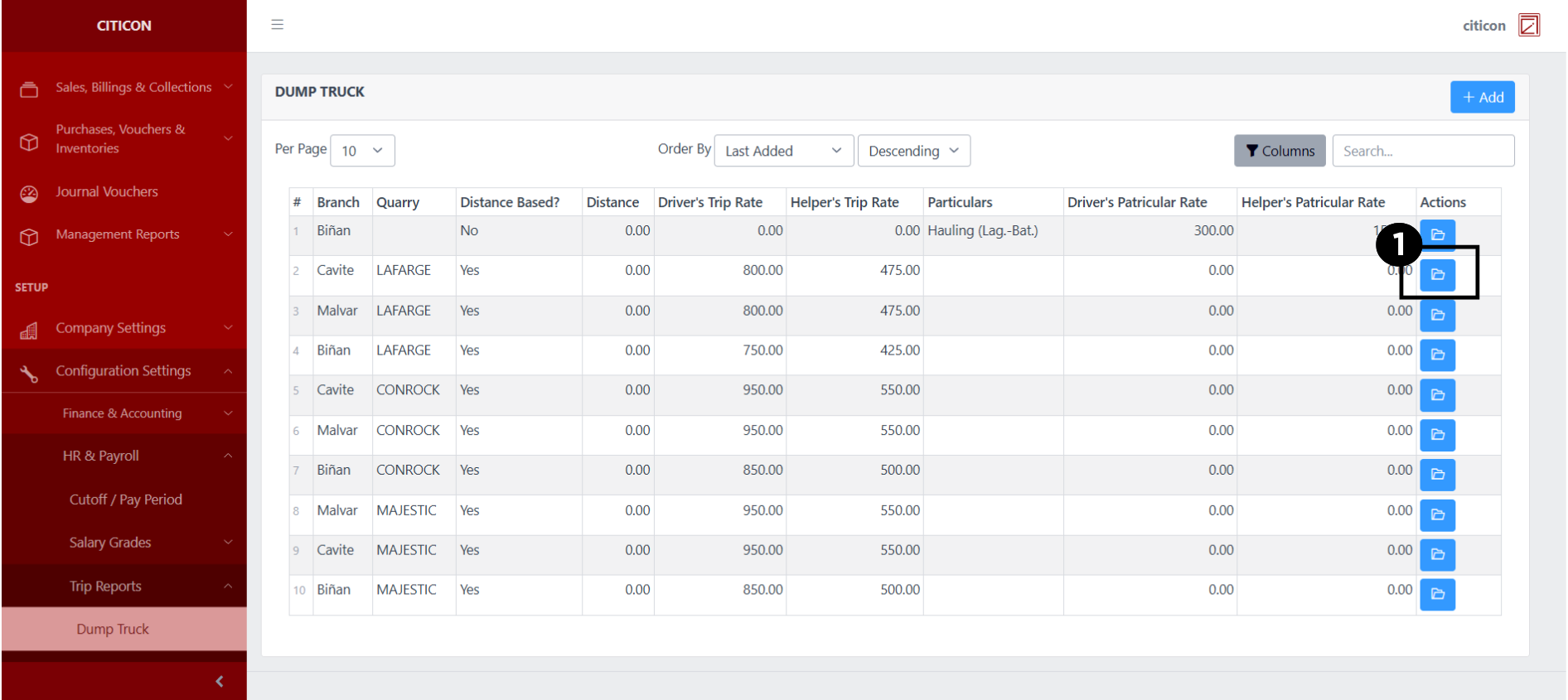
a. Adjust the paging, ordering, and sorting of the Trip Reports - Dump Truck Page here.
b. Select the Add button to add new data.
c. Search for specific record details using the search bar.
d. View or Edit a record by selecting the folder button.
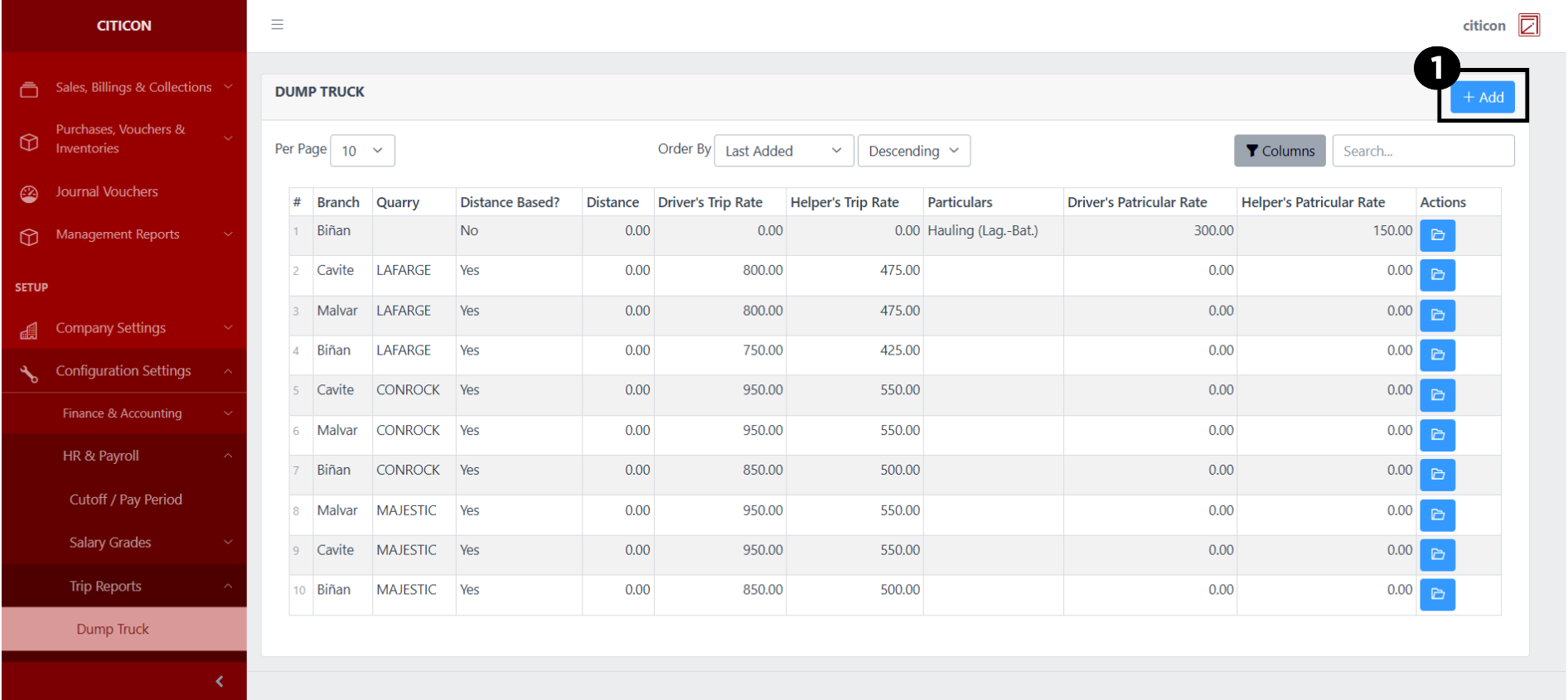
Add Records
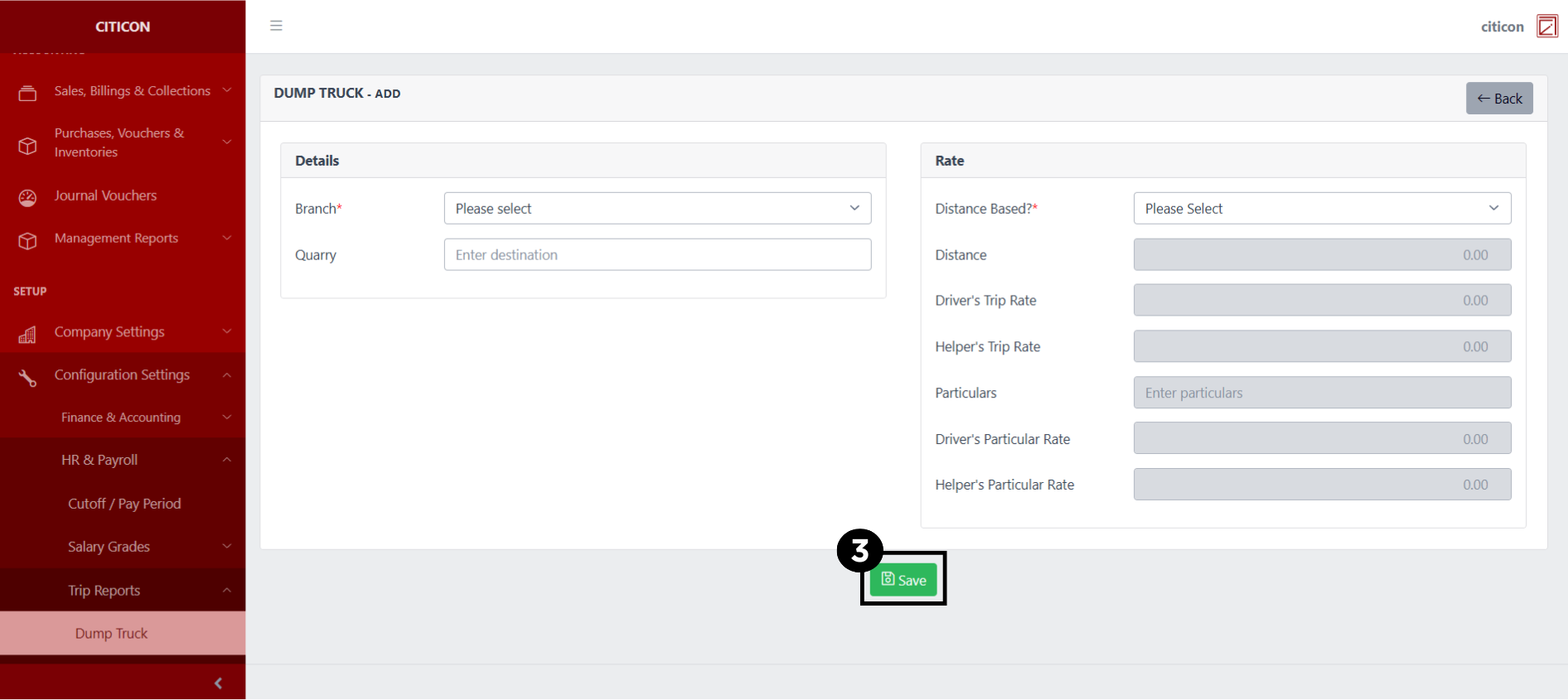
- Select the Add button to add a new record.
- Input the necessary details for your new record.
All fields that has an asterisk (*) are required to be filled up.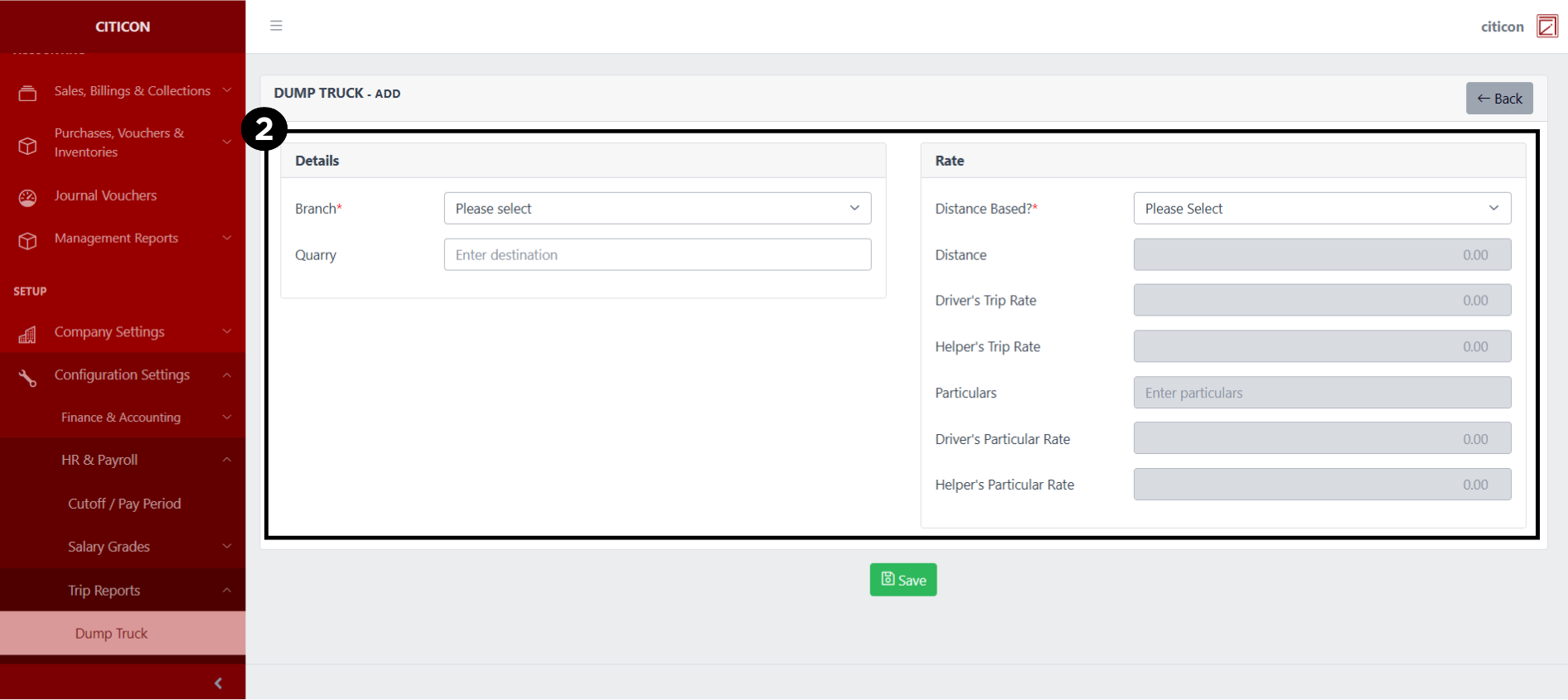
- Select the Save button to save your new record.
Show Records
- Select the folder button to view a record.
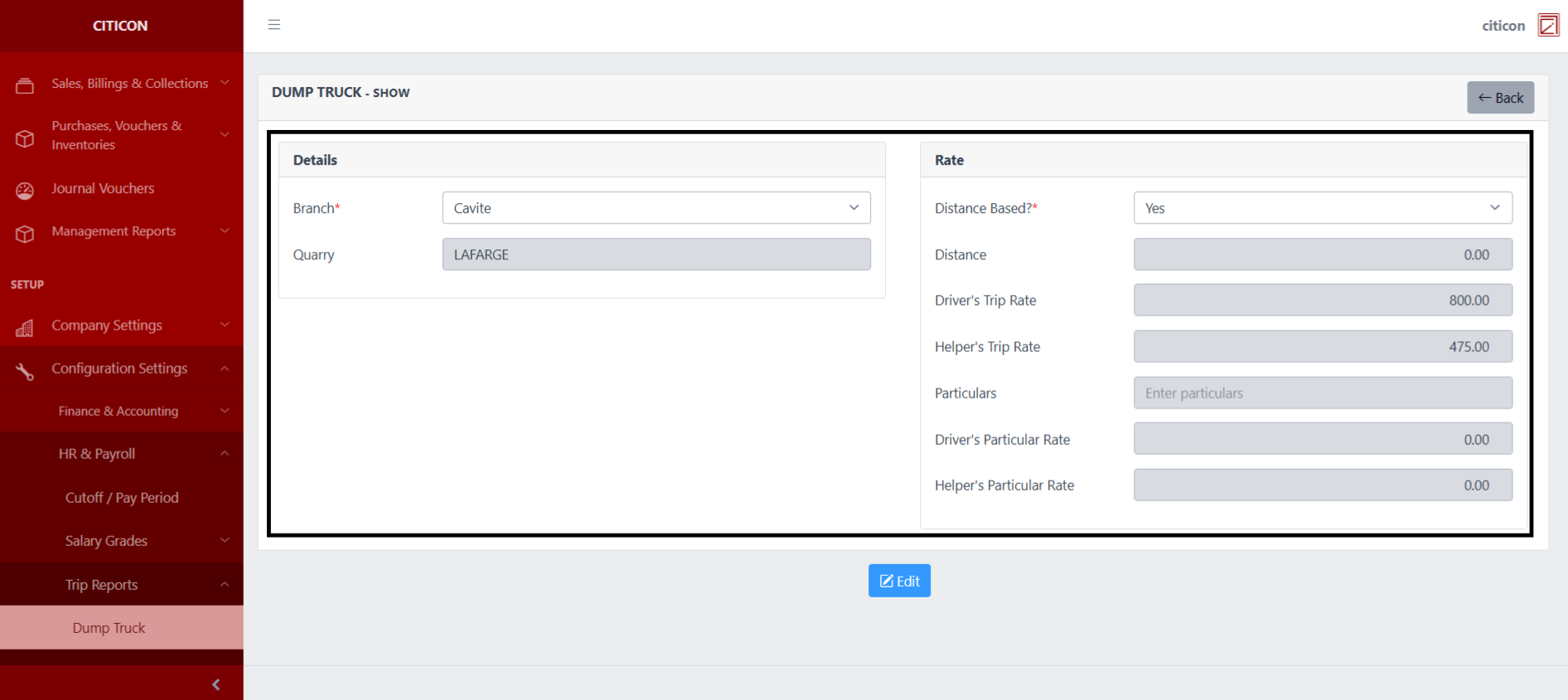
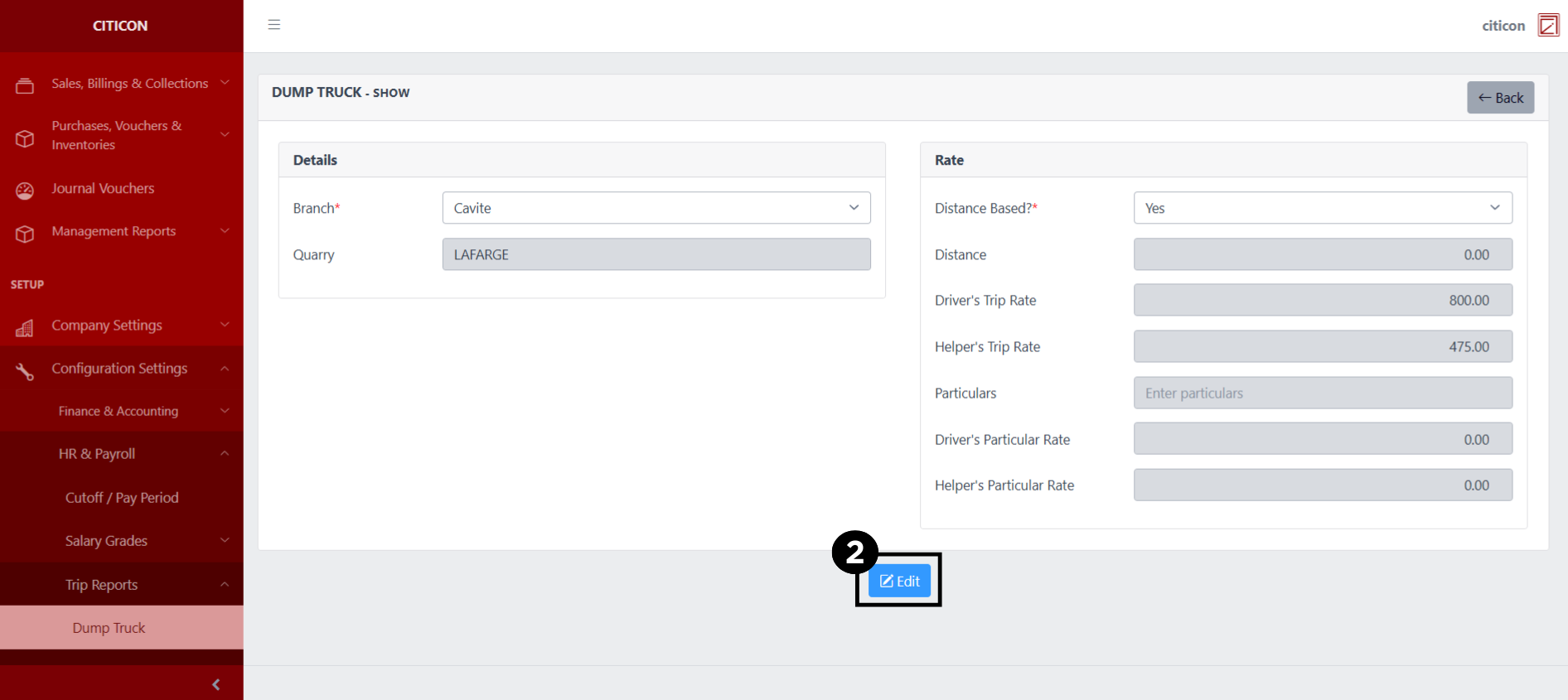
 Here you can view more specific details on the record that you selected.
Update Records
- Select the folder button of the record which you want to edit.
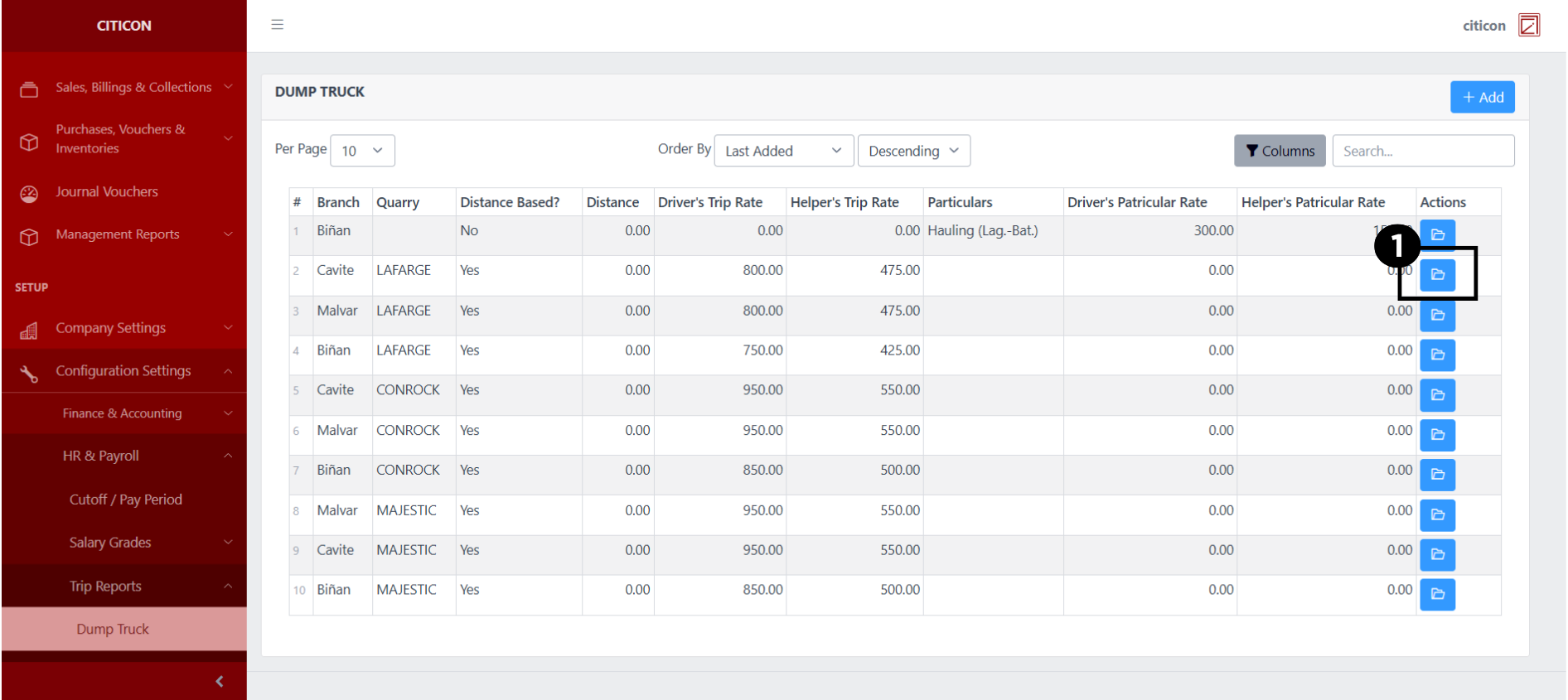
- Select the Edit button to update the details of the record.
- Select a detail section which you want to edit, and enter the necessary changes.
All fields with an asterisk (*) are required to be filled up.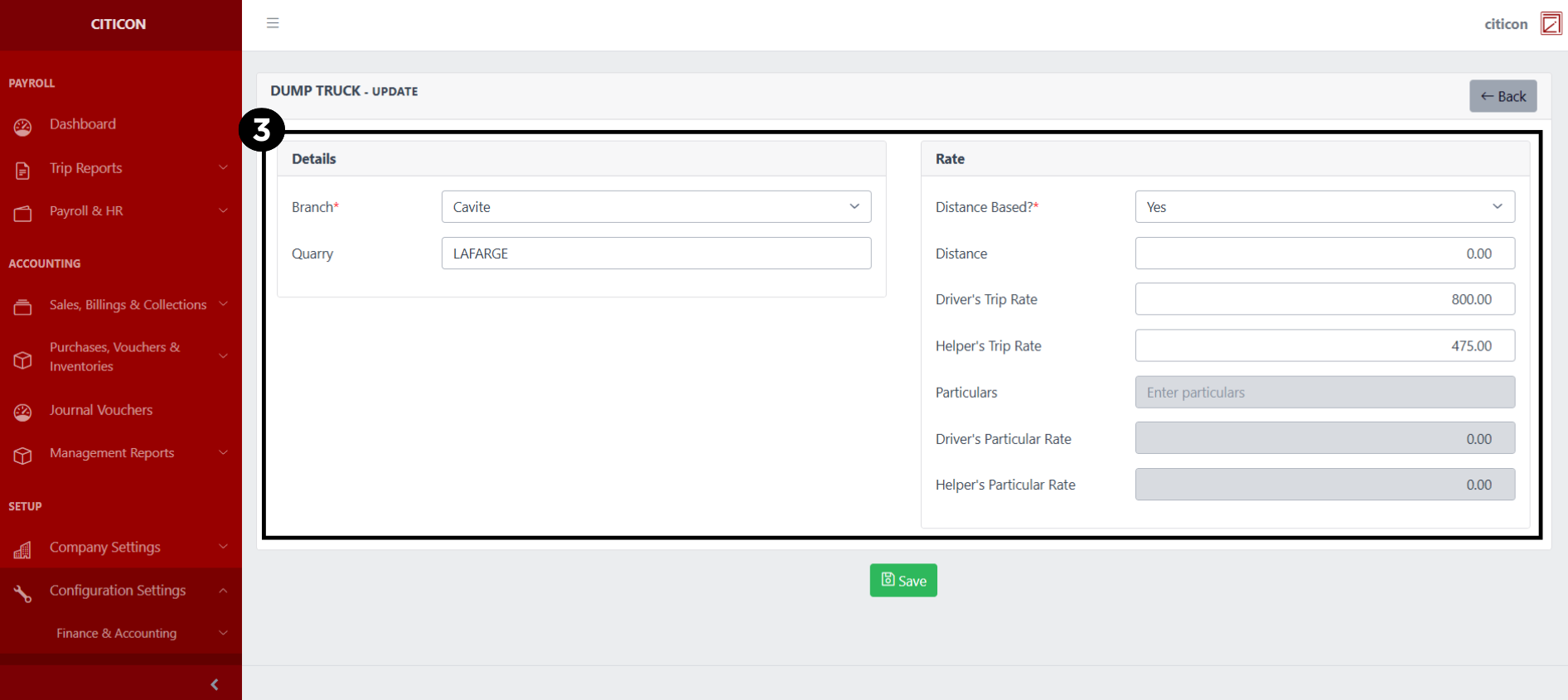
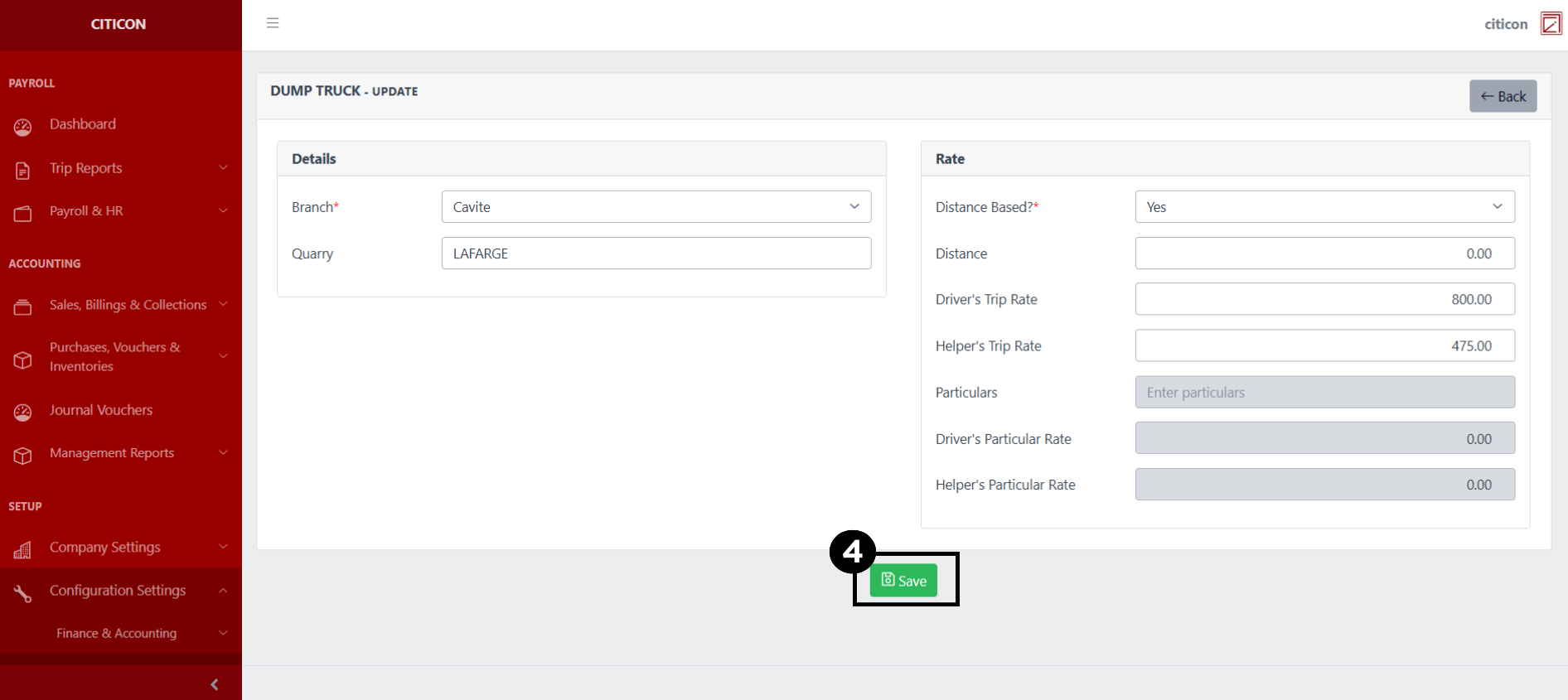
- Select the Save button to save the changes you have made.
Explore Citicon Payroll and Accounting System: Transit Mixer - List Configuration