Sales, Billings, & Collections - Reports (Sales Report)
Welcome to Citicon Payroll and Accounting Systems - Reports (Sales Report) module. This module provides comprehensive insights into sales activities, offering detailed reports for revenue analysis, financial tracking, and strategic planning.
Key Purposes
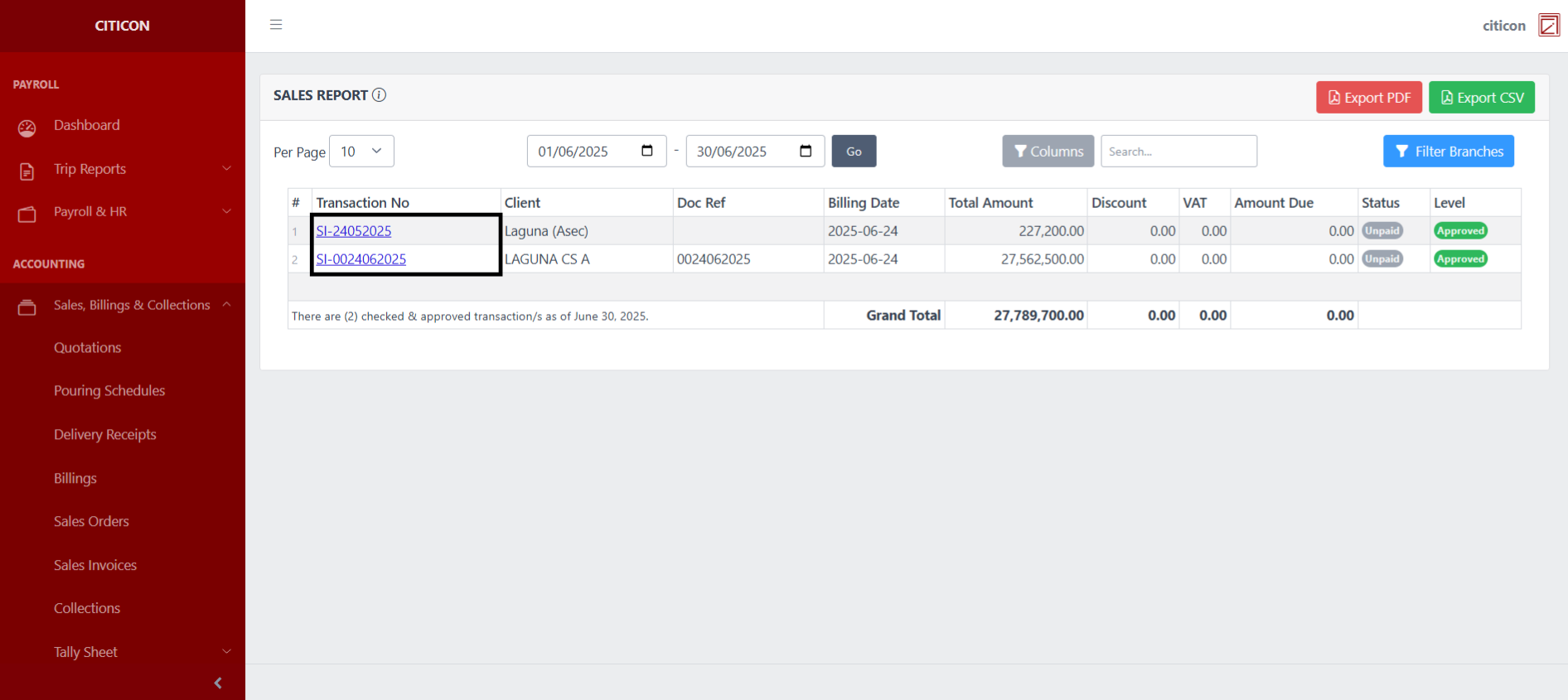
- Detailed Sales Performance Analysis: Generate comprehensive reports of all sales transactions, including total amounts, discounts, VAT, and amounts due, for thorough financial review.
- Transaction-Level Visibility: Provide granular details for each sales transaction, including transaction number, client, document reference, and billing date, for complete traceability.
- Financial Health Monitoring: Offer insights into the financial status of sales, allowing for tracking of amounts due and overall revenue performance.
- Flexible Data Filtering and Export: Enable users to filter sales data by specific date ranges and branches, and export reports in PDF or CSV formats for diverse analytical needs and record-keeping.
- Status and Approval Tracking: Include details on the status and approval level of each transaction, supporting internal controls and audit requirements.
Reports (Sales Reports) Module User-Manual
This section provides details, and set-by-step instructions to view, and access the Reports (Sales Reports) module.
Index Page
To access Reports (Sales Reports). Go to Accounting, select Sales, Billings, & Collections, select Reports, then select Sales Reports.
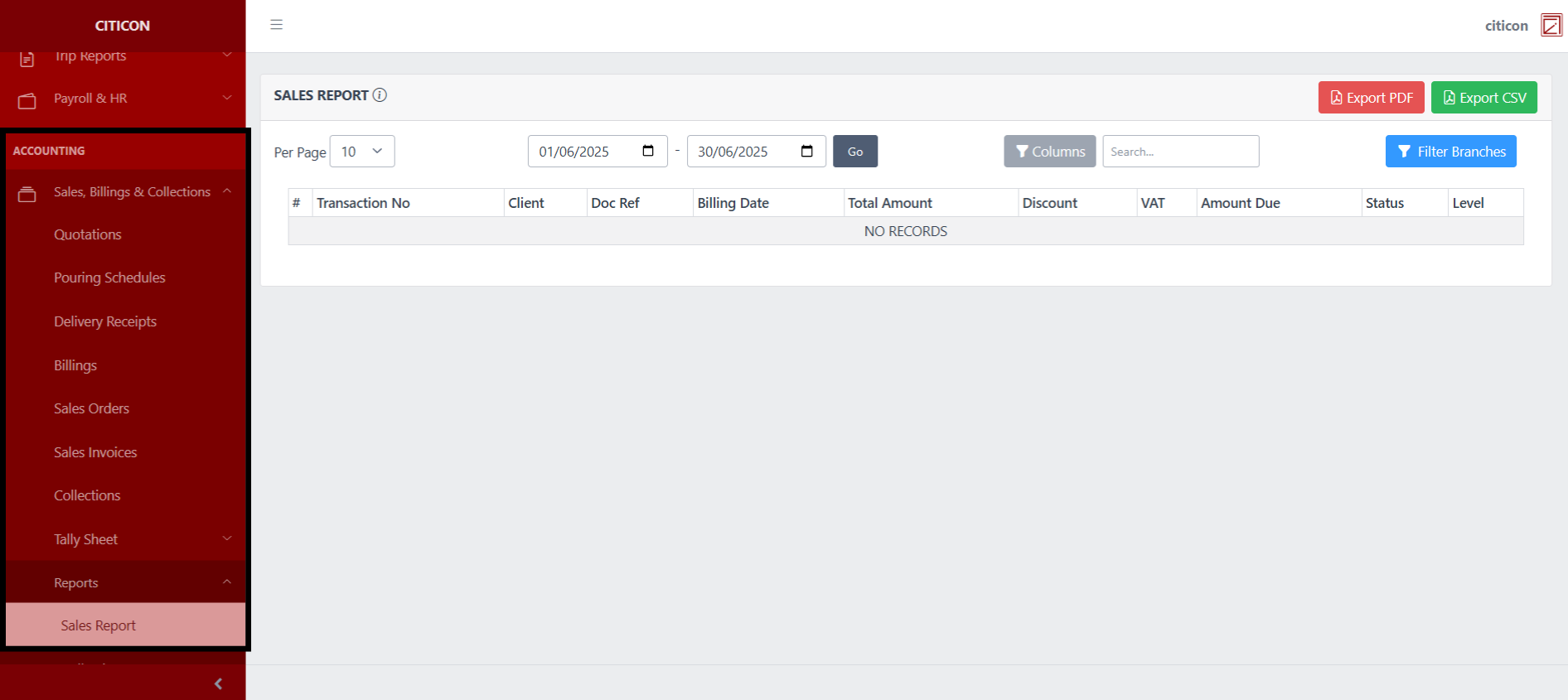
a. Set the entries shown Per Page here.
b. Input the necessary details here to show entries.
c. Select the respective button to either Export entries in PDF or CSV.

Generate Entries
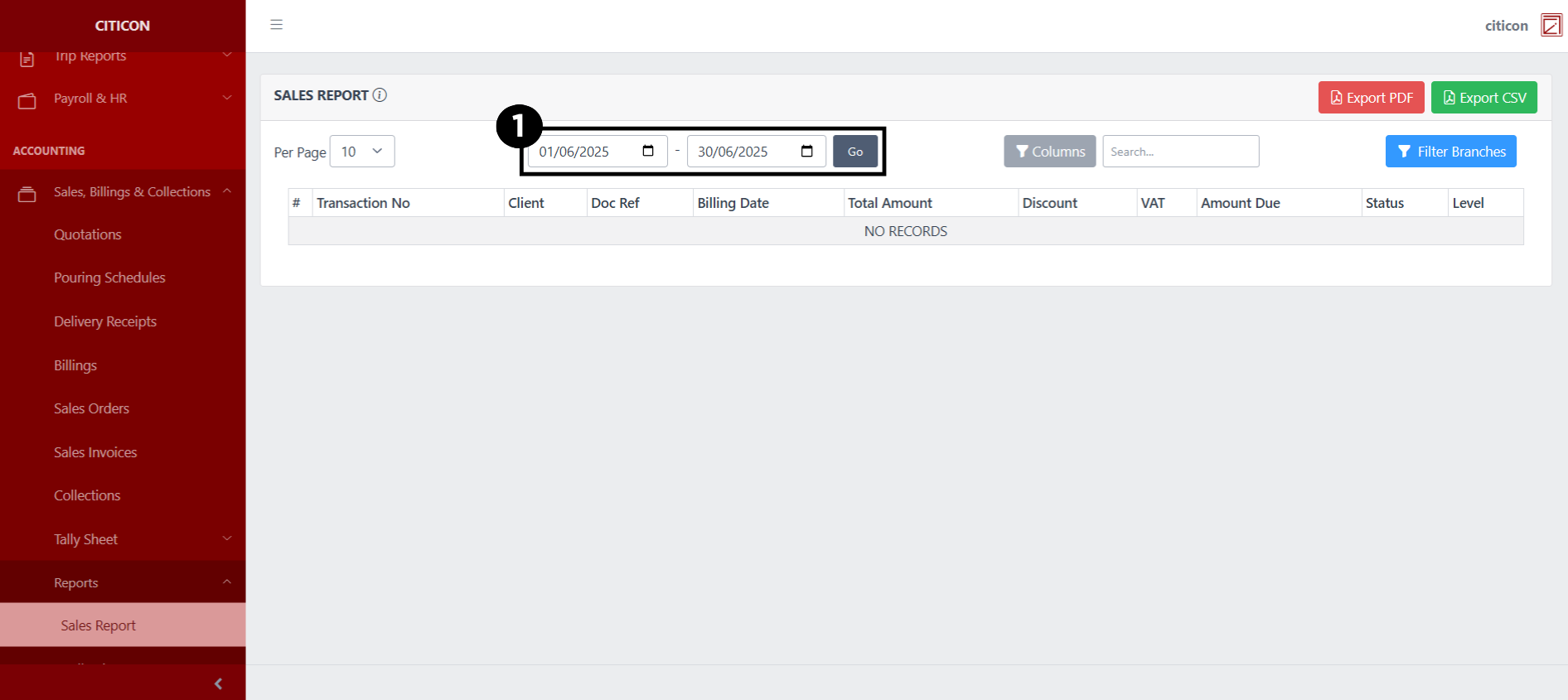
- Set the Start and End Date Range of the entries you wish you display, then select the Go button.
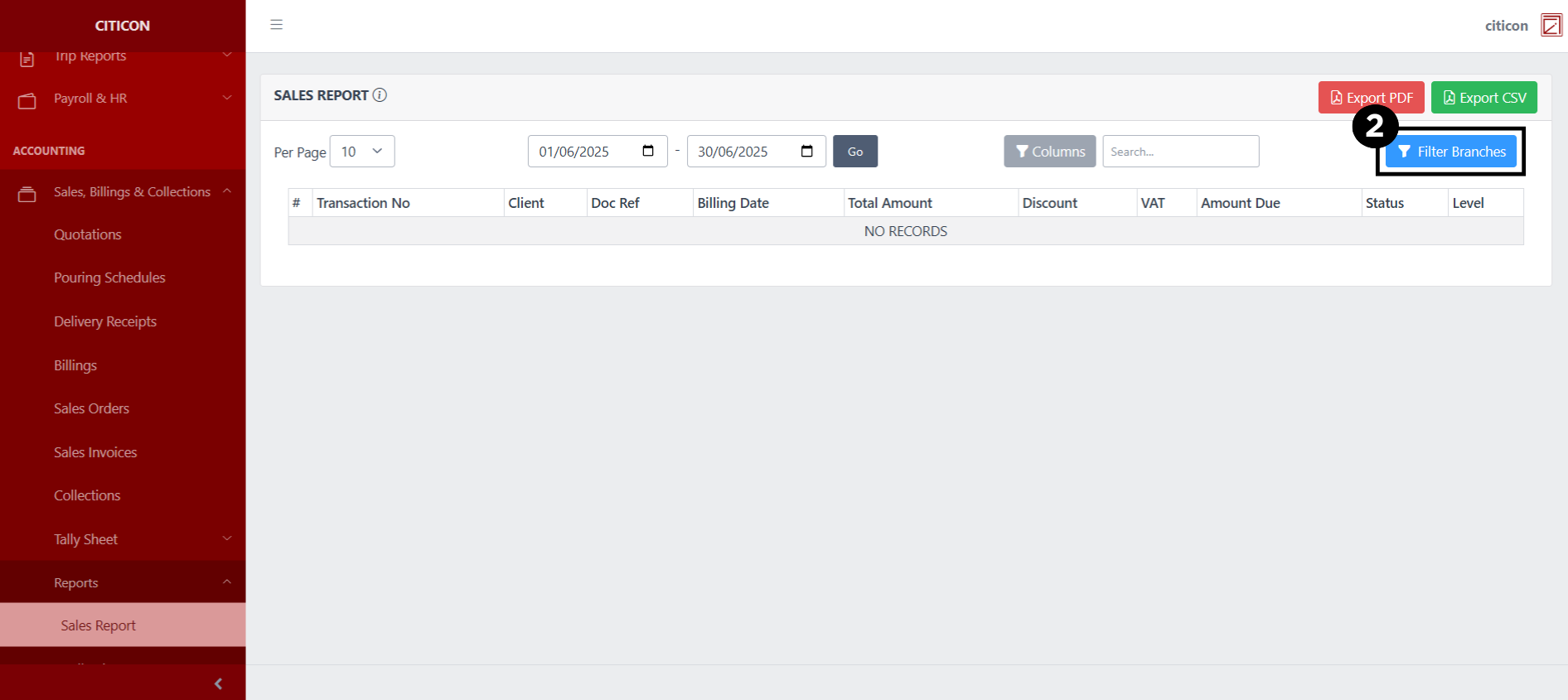
- Select the Filter Branches button.
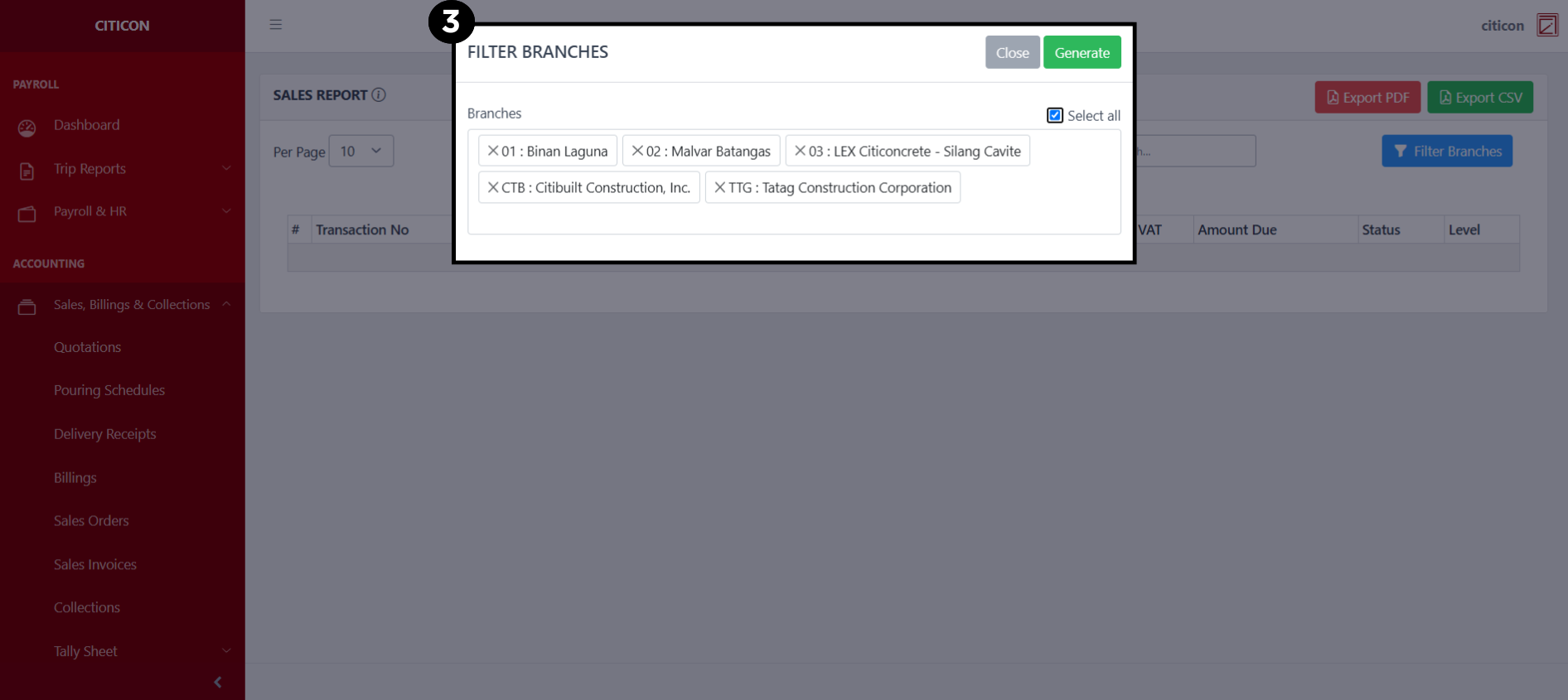
- Select all branches you wish to generate entries from, then select the Generate button.
Select a transaction number to view more details on an entry.
Explore Citicon Payroll and Accounting System: Accounting - Reports (Collection Report)